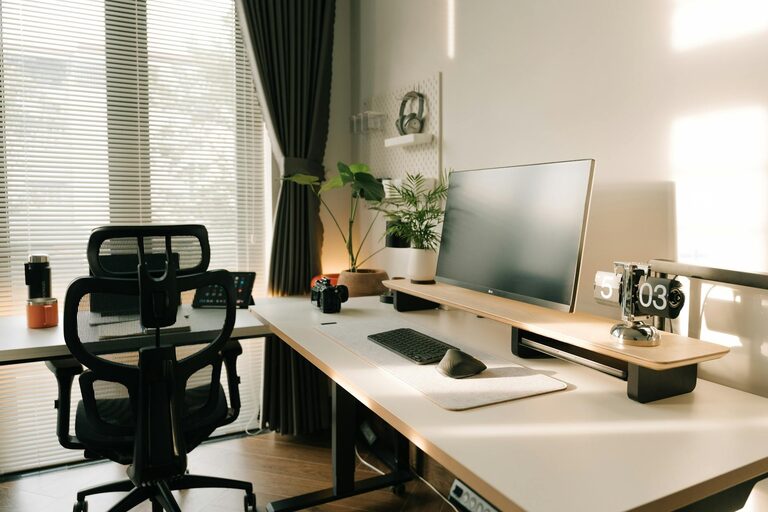
Creating a home workspace that feels both cozy and functional can transform the way you approach your daily tasks. Whether you work remotely full-time, freelance, or need a dedicated spot for personal projects, having a space designed with comfort and practicality in mind can increase your focus and overall satisfaction.
In this post, we’ll explore helpful tips on how to set up a home workspace that meets your needs while providing a welcoming atmosphere.
Choose the Right Location
The first step is selecting the best spot in your home for your workspace.
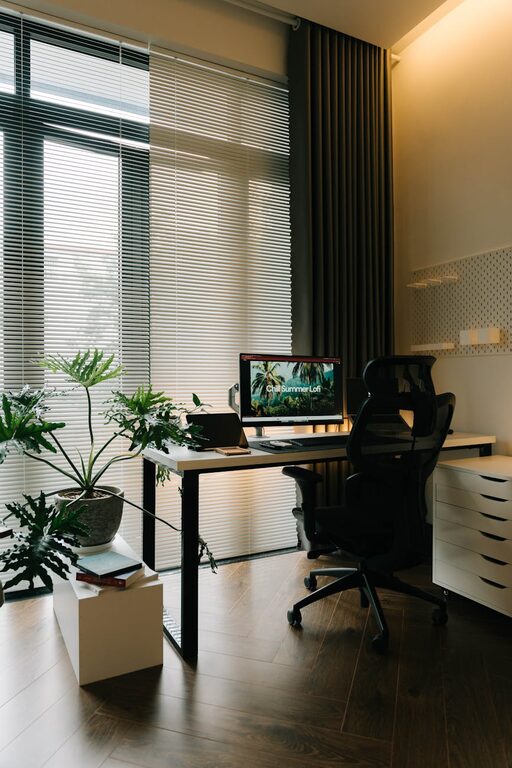
– Natural Light: Position your desk near a window if possible. Natural light can boost mood and reduce eye strain.
– Quiet Environment: Try to find a location away from busy household areas to minimize distractions.
– Space Availability: Consider the amount of space you need for your equipment and movement.
Invest in Ergonomic Furniture
Comfort is key to maintaining focus through long work hours.
– Ergonomic Chair: Choose a chair that supports your posture with adjustable height and lumbar support.
– Functional Desk: Ensure your desk is at a comfortable height and offers enough surface area for your computer, paperwork, and accessories.
– Footrest and Accessories: Using a footrest or keyboard tray can improve comfort further.
Personalize Your Workspace
Adding personal touches creates a space where you’ll want to spend time.
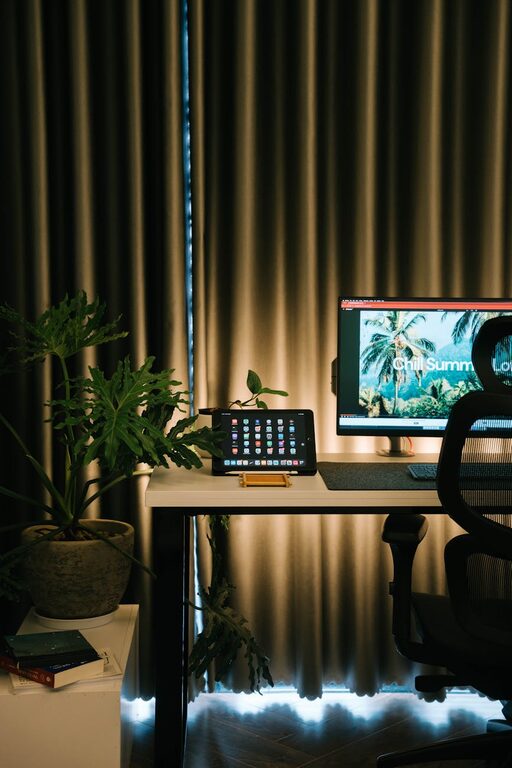
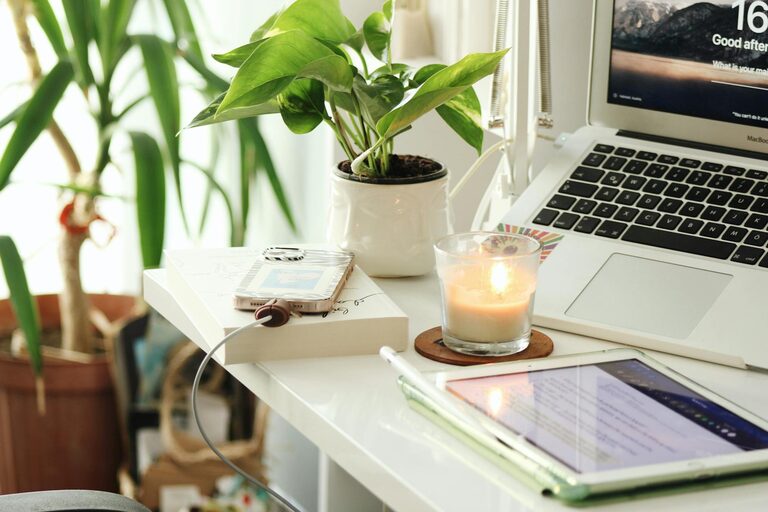
– Decor: Use art, photos, or plants to add personality without cluttering.
– Color Scheme: Choose calming colors like blues or greens, or energizing hues like yellows depending on your preference.
– Lighting: Supplement natural light with soft desk lamps or adjustable overhead lighting.
Keep It Organized
A tidy workspace helps clear your mind.
– Storage Solutions: Use shelves, drawers, and filing systems to keep supplies handy but out of sight.
– Cable Management: Use clips or tubes to keep cords neat and prevent tangling.
– Daily Routine: Spend a few minutes each day organizing your desk to maintain order.
Optimize Technology Setup
Having efficient technology prevents frustration and saves time.
– Reliable Equipment: Invest in a good computer, monitor, keyboard, and mouse suited to your tasks.
– Internet Connection: Ensure your workspace has a strong, stable connection to avoid interruptions.
– Accessories: Consider noise-canceling headphones, a webcam, or external drives based on your work style.
Incorporate Comfort Elements
Small additions can make the space more inviting.
– Soft Textiles: Cushions, rugs, or throws add warmth and coziness.
– Temperature Control: Use fans, heaters, or open windows to adjust the air flow.
– Break Area: If possible, designate a spot nearby for stretching or quick breaks.
Establish Boundaries
Clear boundaries help separate work from personal life.
– Defined Space: Use room dividers, rugs, or furniture positioning to mark your workspace clearly.
– Work Hours: Set and communicate your working hours to family or housemates.
– End-of-Day Ritual: Develop a habit to “shut down” your workspace, like closing your laptop and tidying up.
Regularly Update Your Setup
Your needs may change over time, so stay flexible.
– Evaluate Comfort and Efficiency: Periodically review how your setup is working and make adjustments.
– Declutter: Remove unnecessary items to keep the space fresh.
– Add New Elements: Incorporate new tools or decor to keep your workspace inspiring.
—
By following these tips, you can create a home workspace that balances warmth and productivity, making your workdays smoother and more enjoyable. Remember, a well-designed workspace supports not just your tasks but your wellness too. Happy working!